Product
Project forecasting, built on earned value
One system for the budget baseline, the expense record and the earned value analysis that sits on top of both, replacing the three-tab spreadsheet most program teams reconcile by hand.
Modules
Budget baseline
WBS, control accounts, BAC, planned-value phasing and baseline versioning: set once, change with a full audit trail.
Expense tracking
Actual cost by period from timesheets, invoices and commitments, mapped straight to control accounts.
Earned value engine
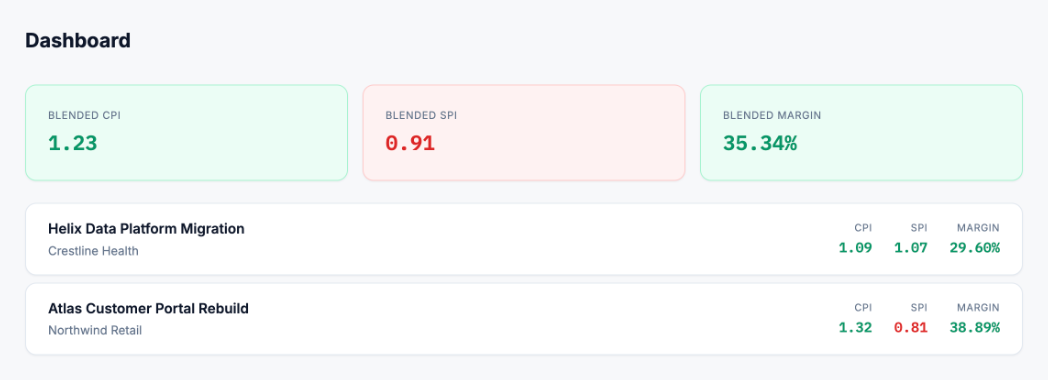
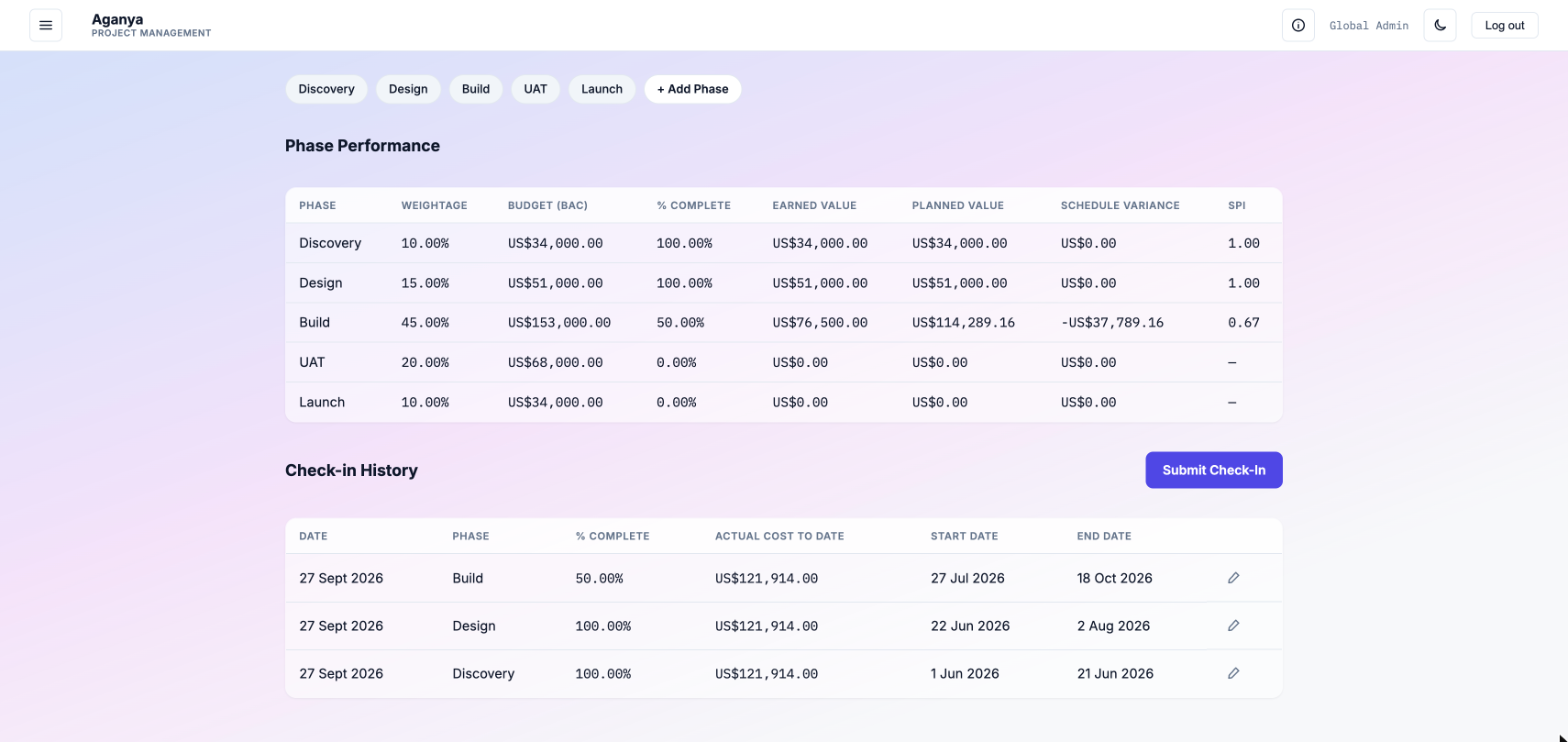
EV, PV, AC, SV, CV, SPI, CPI, EAC, ETC and VAC computed per account and rolled up to the program.
Reporting
Period reports, S-curves and index trends, exportable as CSV and PDF for the monthly review pack.
Drill from portfolio to control account
Every rolled-up number opens to the accounts and periods that produced it. No more chasing a variance back through a workbook of linked sheets.
Heatmap – Resource utilization
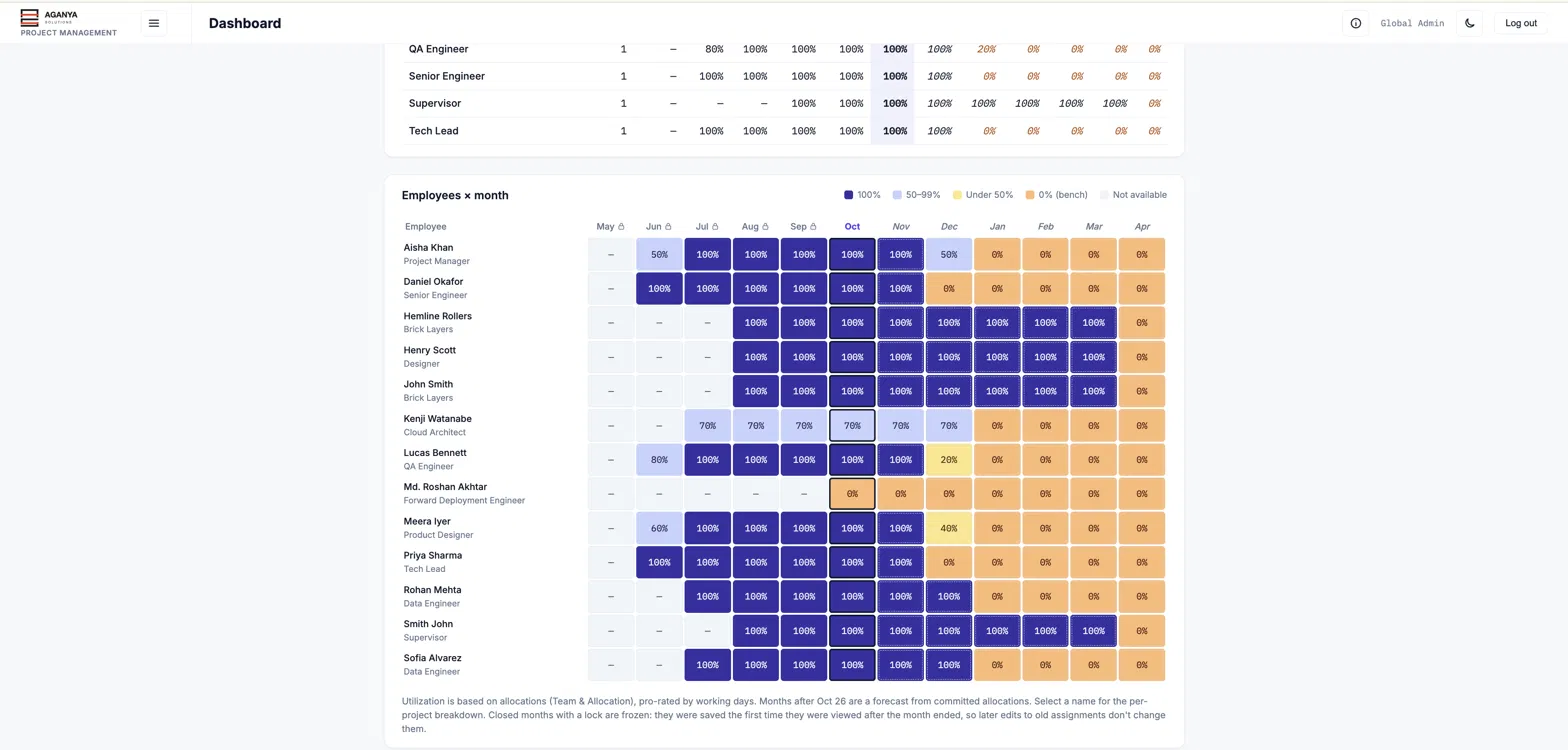
See every employee's allocation across the year in one grid. Future months are forecast from committed allocations, and closed months are frozen so later edits don't rewrite history.
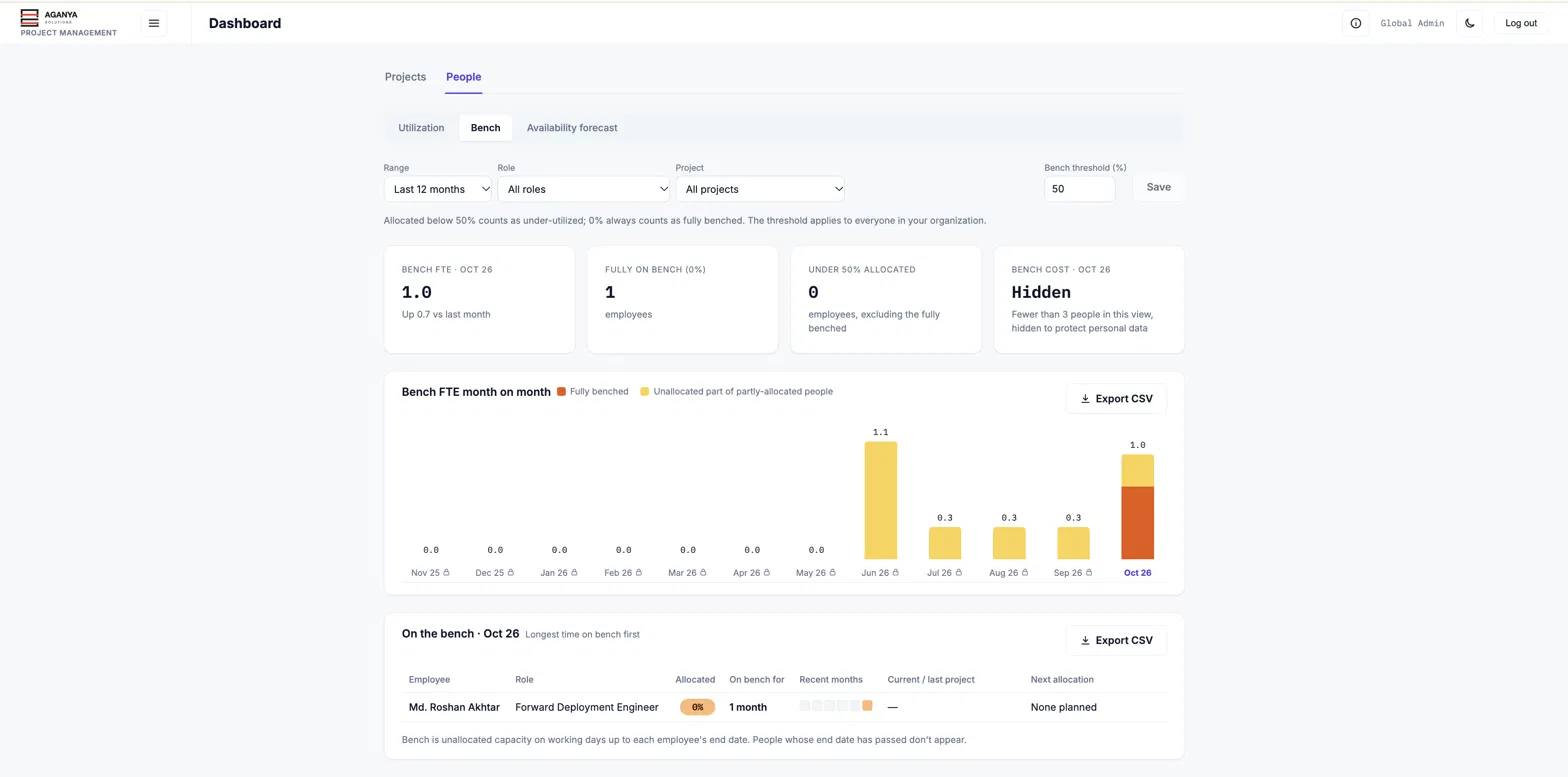
Spot bench time before it costs you
Track bench FTE month on month, set your own under-utilisation threshold, and see who is on the bench, for how long, and when their next allocation starts.
Fits the tools already in place
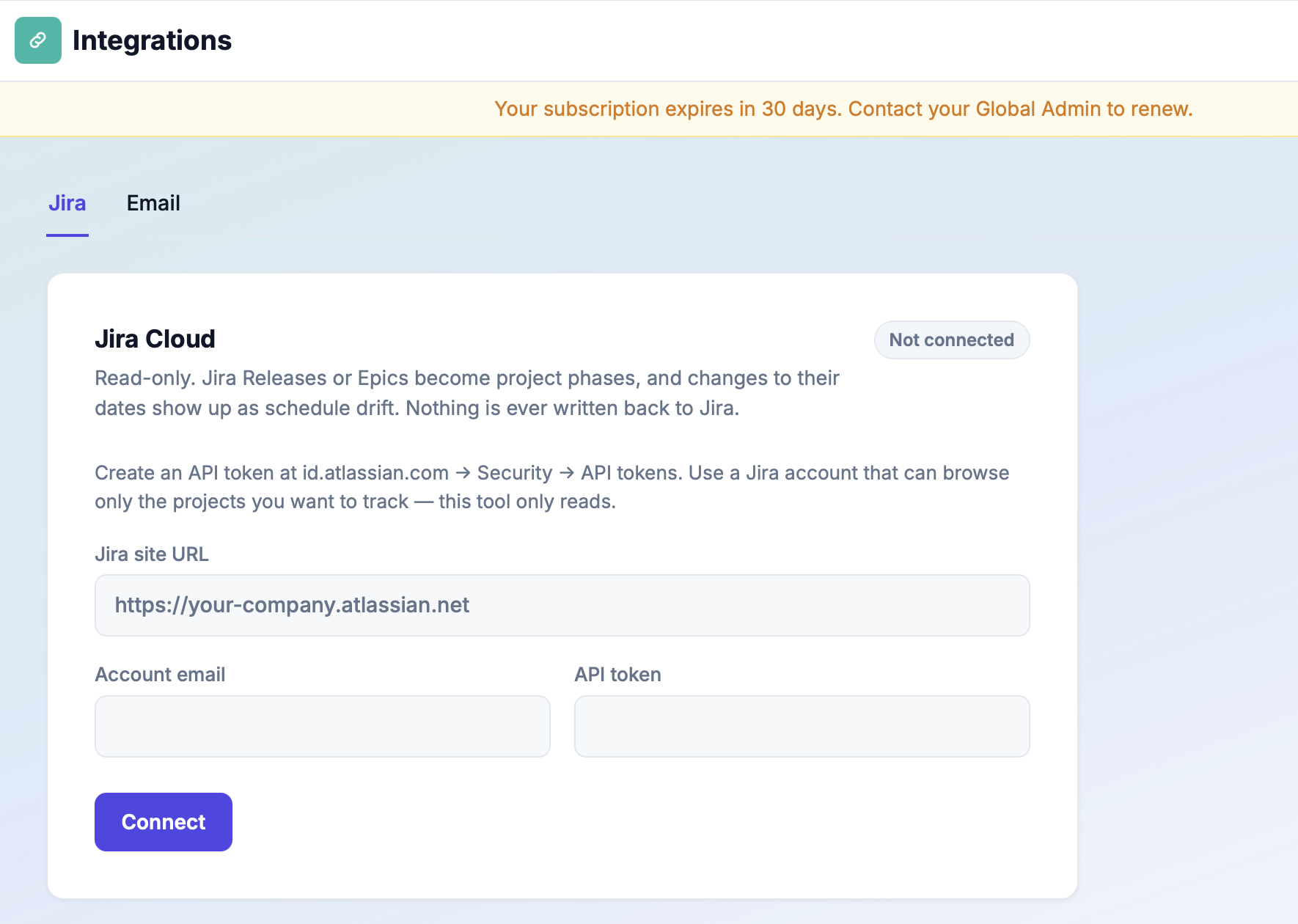
Import schedule and cost data from what you already use, and export period reports straight into the existing review pack. No process to relearn.